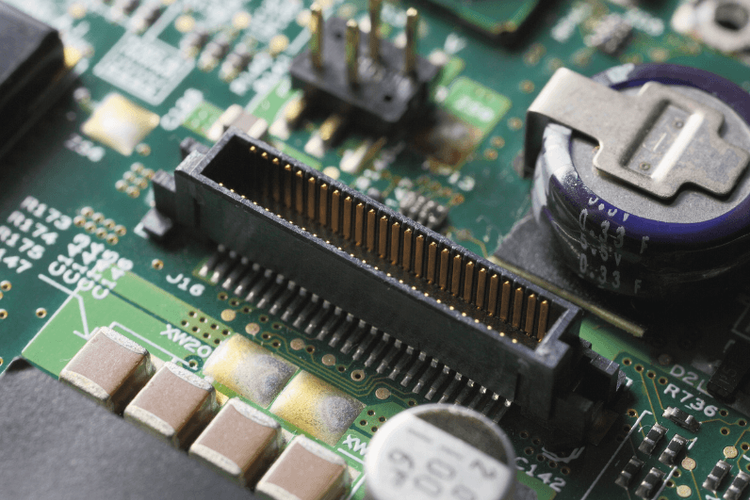
Flexible printed circuit (FPC) and flat flexible cable (FFC) connectors link displays, camera modules, touch panels and sensors to the main board. When you pick one, the first choice is mechanical: does the cable slide in with no force and then get locked by a lever (ZIF), or does it push straight onto spring contacts (non-ZIF, also called LIF)?
In short:
- ZIF (zero insertion force) connectors have a moving actuator. You open it, slide the cable in freely, then close it to lock the cable.
- Non-ZIF connectors have no actuator. The cable is pushed in against spring contacts. LIF (low insertion force) is the name often used for this family, so the two terms largely overlap.
- ZIF costs more and takes more height, but handles higher pin counts and repeated mating better. Non-ZIF is cheaper and lower, but insertion force grows with pin count.
ZIF Connectors
A ZIF connector has a movable locking part, either a flip lever or a slider, called the actuator. With the actuator open, the contacts sit clear of the cable, so the FPC slides in with almost no force. Closing the actuator presses the contacts onto the exposed pads and locks the cable in place. Because the contacts are not rubbed during insertion, ZIF connectors suit fine pitches, higher pin counts, and designs where the cable may be unplugged and re-seated.
Non-ZIF (LIF) Connectors
A non-ZIF connector has a single molded housing with no moving parts. The spring contacts are already in the path of the cable, so the cable has to be pushed in against them, and the contacts touch the conductors from the moment the cable enters. That makes the connector simple and inexpensive, but retention can be weak at low pin counts and insertion force becomes high at high pin counts.
Is LIF different from non-ZIF?
Mostly it is a naming difference. LIF stands for low insertion force, and connector makers and distributors use it for the non-ZIF family, sometimes to stress that the insertion force has been reduced. Some catalogs list LIF as its own type, so always read the datasheet for the actual actuator style and the stated insertion force instead of relying on the label.
ZIF Actuator Styles
Within ZIF connectors, the actuator comes in a few forms:
- Flip lock, front side: the lever sits on the cable-entry side and flips up or down to release and clamp the cable.
- Flip lock, back side: the lever sits at the rear of the housing, away from the cable entry.
- Slide lock: a slider moves along the connector body instead of rotating.
Which style is better depends on your board layout, because the lever needs room to move and an operator has to reach it. Do not assume one style holds the cable better than another. Compare the retention force and actuator rating in the datasheet for the exact part.
Direct Comparison
- Moving actuator — ZIF: Yes (flip or slide); Non-ZIF (LIF): No
- Insertion force — ZIF: Near zero with actuator open; Non-ZIF (LIF): Required; rises with pin count
- Retention — ZIF: Positive lock when closed; Non-ZIF (LIF): Spring friction only
- Mating cycles — ZIF: Typically rated higher; Non-ZIF (LIF): Typically rated lower
- Pin count — ZIF: Suited to higher pin counts; Non-ZIF (LIF): Best at low pin counts
- Cost and height — ZIF: Higher cost, more height; Non-ZIF (LIF): Lower cost, lower profile
Cycle ratings vary widely by part, so read the datasheet rather than relying on a general figure. For most consumer products the cable is mated once at the factory, and even a modest rating of around 20 cycles is more than enough.
Cable Thickness and Stiffener Rules
The connector clamps or presses on a specific cable thickness, so the end of the FPC needs a rigid stiffener. The flex itself is usually 0.20 to 0.30 mm thick, and with the stiffener the total thickness at the contact end is commonly around 0.30 mm. The acceptable range differs between connector series, so use the thickness stated in the datasheet. If the total thickness is wrong:
- A ZIF actuator may not clamp the contacts firmly, which leaves an intermittent connection.
- A non-ZIF connector may need excessive force to insert, or the cable may fit loosely.
Common Failure Modes
- Wrong cable thickness: the most frequent cause of poor contact in both types.
- Over-rotating the actuator: forcing a flip lock past its stop can snap the small plastic hinge and ruin the connector.
- Closing the actuator on a partly inserted cable: the contacts then touch only part of the pads. Seat the cable fully before locking.
- Angled insertion in a non-ZIF connector: the corner of the cable or stiffener can catch the spring contacts and bend them.
- Cable pulled or flexed near the connector: strain relief and routing matter in both types.
Selection Checklist
- Choose ZIF when you have many pins, need a positive lock, expect the cable to be re-seated during assembly or service, or use a fine pitch.
- Choose non-ZIF (LIF) when the pin count is low, cost and height are tight, and the cable is installed once.
- Confirm the cable thickness range, pitch, contact side (top or bottom) and actuator clearance in the datasheet.
- Check the rated mating cycles and retention force for the exact series.
For a closer look at latchless designs, see our guide to non-ZIF FPC connectors and retention without a latch, and browse our FPC and FFC connector category.
Sources for the definitions above: Kyocera's connector terminology glossary and JLCPCB's FPC connector guide. Connector ratings differ by series, so confirm figures against the manufacturer's datasheet.